

No-code website customization for browsers
StyleBox Pro: Style the Web Your Way
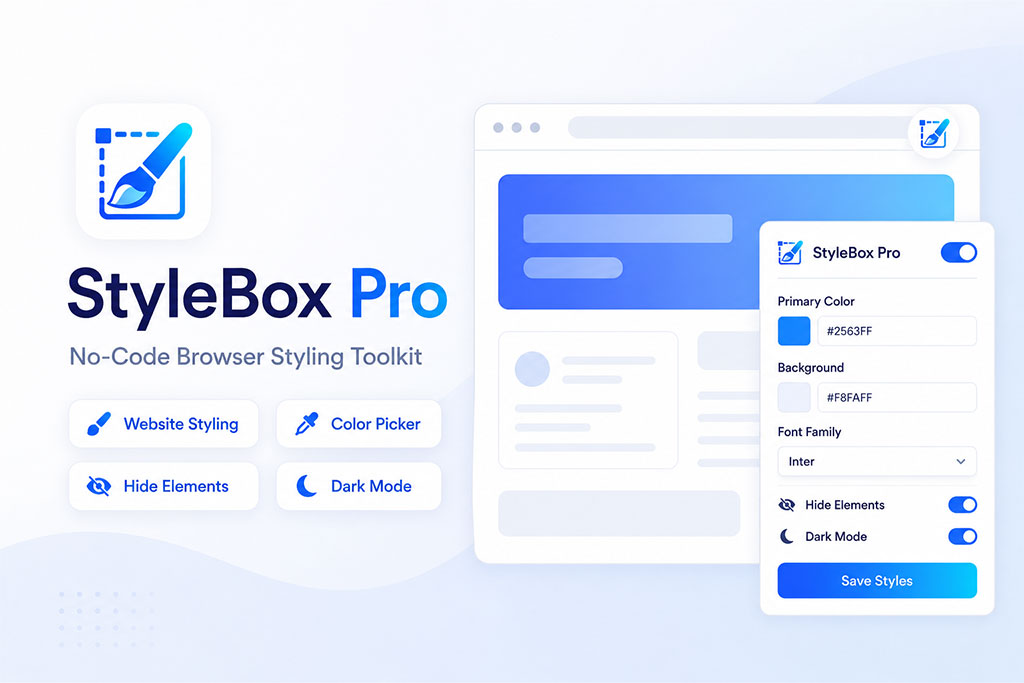
StyleBox Pro lets you customize website colors, typography, spacing, layout, dark mode, and selected elements directly from your browser without writing CSS.
No-code
Visual controls for real websites
Per-site
Save customizations by website
Pro tools
Advanced layout, library, and export
StylePox Pro - Pricing Plan
StyleBox Free Extension
Unlimited Browsers- Unlimited Browsers Activation (Chrome, Microsoft Edge, Brave, Firefox, etc.)
- Customize basic website colors and typography
- Simple dark mode and temporary element hiding
- Recent color history for picked colors
- Save customizations for a limited number of websites
- Great for trying styleBox on everyday browsing
- Basic Support
StyleBox Pro Extension
3 Browsers - Lifetime License- 3 Browsers Activation (Chrome, Microsoft Edge, Brave, Firefox, etc.)
- Advanced layout controls, max width, spacing, radius, and zoom
- Title colors, advanced typography, and deeper element styling
- Unlimited websites and advanced saved customizations
- Saved color library, palettes, and Pro color workflows
- Import/export backups for settings and customizations
- 24/7 Premium Support
Visual site customization
Open the customize popup on any supported website and change the page appearance with direct controls instead of manual CSS editing.
- Page background, text, links, buttons, borders, and title colors
- Live preview as you adjust settings
- Per-website customizations saved locally in the browser
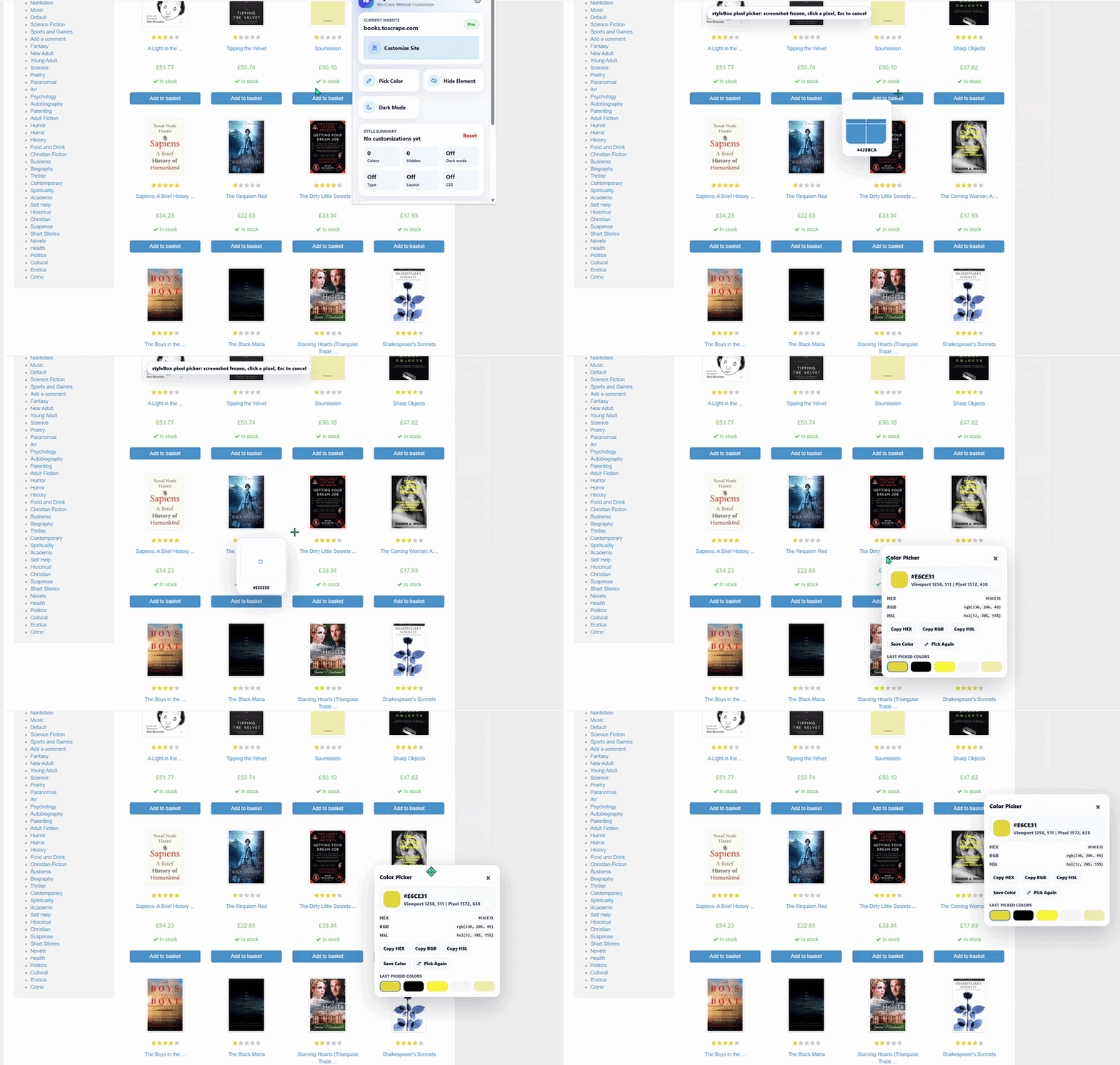
Pixel-accurate color picker
Capture colors directly from websites, including images, gradients, canvas content, video frames, shadows, and rendered text antialiasing.
- Copy HEX, RGB, and HSL values
- See recent picked colors from the browser popup
- Save colors to your Pro color library
Much more feature
Typography controls for better readability
Make hard-to-read websites more comfortable with font, size, weight, line height, letter spacing, and heading scale controls.
- Choose readable system font stacks
- Scale headings from subtle to dramatic
- Improve dense pages with better line height and spacing
Advanced layout adjustments
Control how a site feels on your screen by adjusting page zoom, maximum content width, spacing scale, and border radius.
- Set content width from compact to wide layouts
- Apply page zoom styling for easier reading
- Reduce motion and soften harsh interface corners
Element picker for page cleanup
Select specific page elements and remove distractions or style selected text, images, boxes, and sections with context-aware controls.
- Delete distracting elements from saved website settings
- Use dynamic controls based on the selected element type
- Style text, media, and box elements more precisely in Pro
Dark mode and comfort styling
Apply a simple dark mode or use Pro controls to tune background, surface, text, link, border, and image dimming settings.
- Reduce bright pages during late work sessions
- Customize dark mode colors site by site
- Dim images for a calmer browsing experience
Dashboard for websites, colors, and backups
Manage customized websites, review your recent colors, save Pro palettes, activate your license, and import or export settings.
- See customized domains in one settings dashboard
- Save colors and palettes for future design work
- Export and restore customizations with JSON backups
Ready to customize the web?
Start free, then upgrade when you want the full styleBox toolkit.
Compare Free and Pro features, install the extension, and choose the plan that fits your workflow.
You must log in and be a buyer of this download to submit a review.