
MasterCopy for WordPress
One-click copy boxes for code, coupons, quotes, messages, emojis, and more, with templates, rules, and full design control.
1-Click Copy
Any content
Ready Boxes
Copy Any Text in One Click
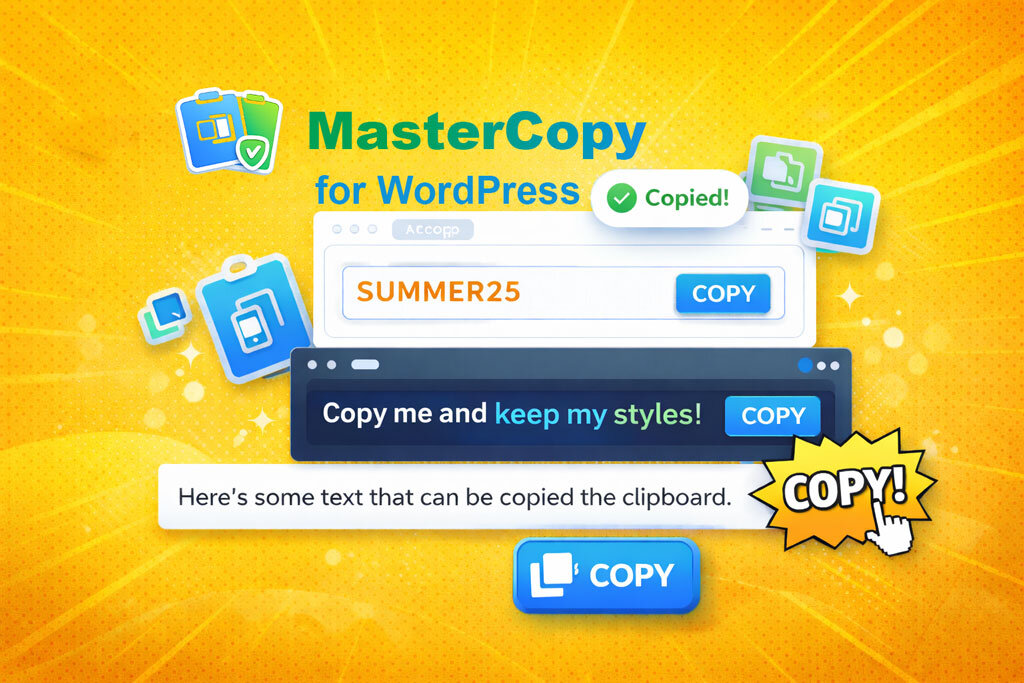
MasterCopy adds a “Copy to Clipboard” button to your website, so visitors can copy text instantly. Create copy boxes manually using a block, widget, or shortcode, or auto-insert copy buttons anywhere with templates (selectors + conditions). Customize the button style and show a clean “Copied!” confirmation after every click.
Powerful Features for One-Click Copy Anywhere
CopyTemplates
Auto-add copy buttons using selectors, rules, placement, and priorities.
GutenbergBlock
Create beautiful copy boxes directly in the WordPress block editor.
ElementorWidget
Add copy boxes in Elementor with the same controls and styling options.
ShortcodeSupport
Use shortcodes anywhere, including inline copy for small snippets and codes.
DisplayConditions
Show or hide copy buttons by post type, URL rules, user role, taxonomy, and more.
StyleCustomizer
Control button text, icons, hover styles, positions, and “Copied!” feedback UI.
Target Any Text on Your Site, Automatically
- Selectors: pre, code, p, headings, div, custom selectors
- Scope Control: limit templates to a parent container like .entry-content or .post-content
- Placement: inside or outside the element, top-left/top-right/bottom corners, before/after
- Template Modes: button, icon-only, button + icon, cover overlay style
- Button Labels: custom “Copy to Clipboard” text and “Copied!” after-click text
- Icon Options: Font Awesome icons or built-in styles, per-template selection
- Copy Formatting: keep line breaks, trim whitespace, or clean output before copying
- Exclusions: skip specific selectors, pages, or sections to avoid unwanted buttons
- Priority Order: control which template wins when multiple rules match the same element
- Duplicate Protection: prevent double buttons and ignore already-processed elements
Show Only Where It Makes Sense
- Post type / taxonomy
- User role / logged-in
- URL contains / exclude pages
- “Show if” and “Hide if” rules
- And more…
Match Your Brand, Not Someone Else’s
- Button, icon, button+icon, cover overlay styles
- Custom text: “Copy to Clipboard” → “Copied!”
- Icon options (Font Awesome or built-in)
- Hover states, spacing, typography